



WinRolla App
The WinRolla app brings the full casino experience to any phone, tablet, or desktop in just a few taps. It launches straight from the browser as a Progressive Web App, so there is no store listing to search for and no separate file to manage. We keep the shortcut in sync across every device from the moment it opens. All players reach the same lobby and have the same wallet balance. They get to enjoy the same gaming experience wherever they log in. Win Rolla treats every screen as an equal way to play.



How does the WinRolla mobile casino work?
The WinRolla mobile casino runs as a browser-based PWA, so players open it from a home screen shortcut rather than through an app store.
Once the shortcut sits on the home screen, the Win Rolla Casino behaves like a native app: full-screen view, no address bar, and instant loading of the lobby. The same catalog of WinRolla online slots carries over from the desktop version.
Screen size is the only real difference. We adapt the layout automatically, so a smaller display never blocks access to live tables, jackpot titles, or the Bonus Crab and Shop features that reward regular play. WinRolla keeps challenges and tournaments visible in the mobile lobby, right next to the games list. We update the casino balance instantly after every round.
Mobile Application for Android
Android users can add the Win Rolla app to the home screen directly from the device’s browser. The install prompt appears after opening the site, and confirming it places a WinRolla icon among the other apps within seconds.
- Open the WinRolla website in the browser installed on the device.
- Wait for the page to load fully so the install banner appears.
- Open the browser menu and choose Add to Home Screen or Install App.
- Confirm the prompt to place the icon on the home screen.
- Tap the new icon to launch Win Rolla directly.
- Log in with an existing account or register directly from the shortcut.
We open the shortcut in full-screen mode, hide the browser bar, and load the lobby without retyping any address. Our account and Bonus Crab reward systems are identical to the version used on a computer, and the WinRolla Casino library never changes between devices. Android players who already use WinRolla on one phone can add the same shortcut on a second device without losing any progress in our app.
Does WinRolla offer an APK file for Android?
No separate APK file exists for WinRolla; the PWA shortcut covers the same functionality with automatic updates.
Our approach skips the APK route entirely, removing the need to enable unknown sources or manually check for new versions. The Win Rolla app, installed as a PWA, updates itself in the background, keeping the home screen icon pointed to the current version of the casino. New online slots reach the WinRolla Casino lobby in the same automatic way. WinRolla applies these updates server-side, without asking players to download anything again. Our catalog never falls behind on any device.
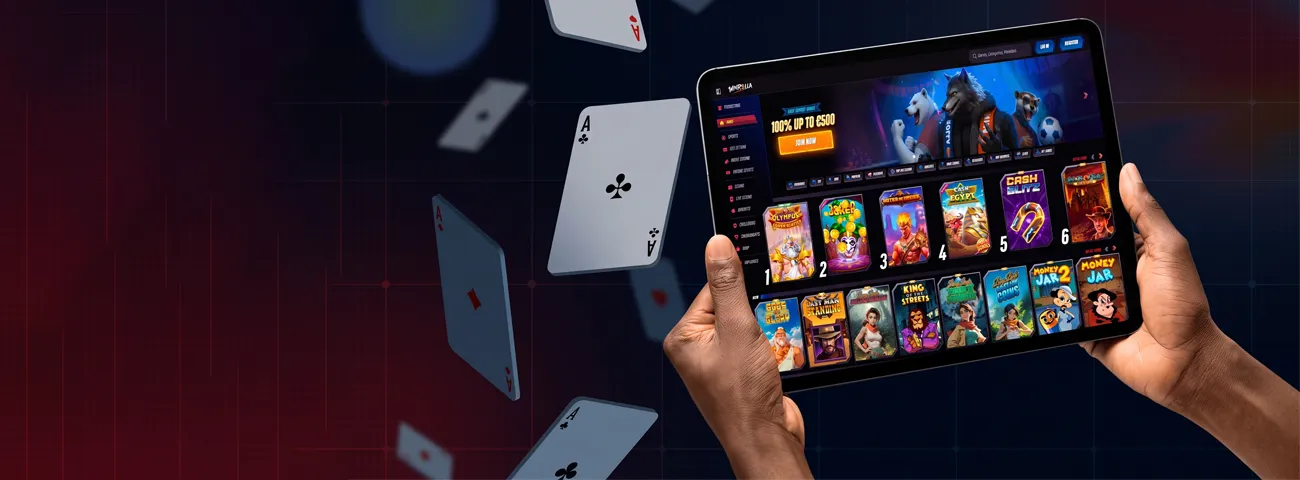
Mobile Application for iOS
iPhone and iPad users can access the WinRolla app via Safari’s Add to Home Screen option. Tapping the Share icon and confirming the prompt places a Win Rolla icon that opens like a standalone app, with the same gaming experience found on Android.
Face ID or Touch ID can unlock the device before the shortcut loads, and the browser tab used to add the icon can close right away. WinRolla keeps running from its own icon after that. The games list on the Win Rolla Casino app is identical to the version on a computer or an Android phone. We carry any bonus balance earned on desktop over to the iOS shortcut the moment a player logs in.
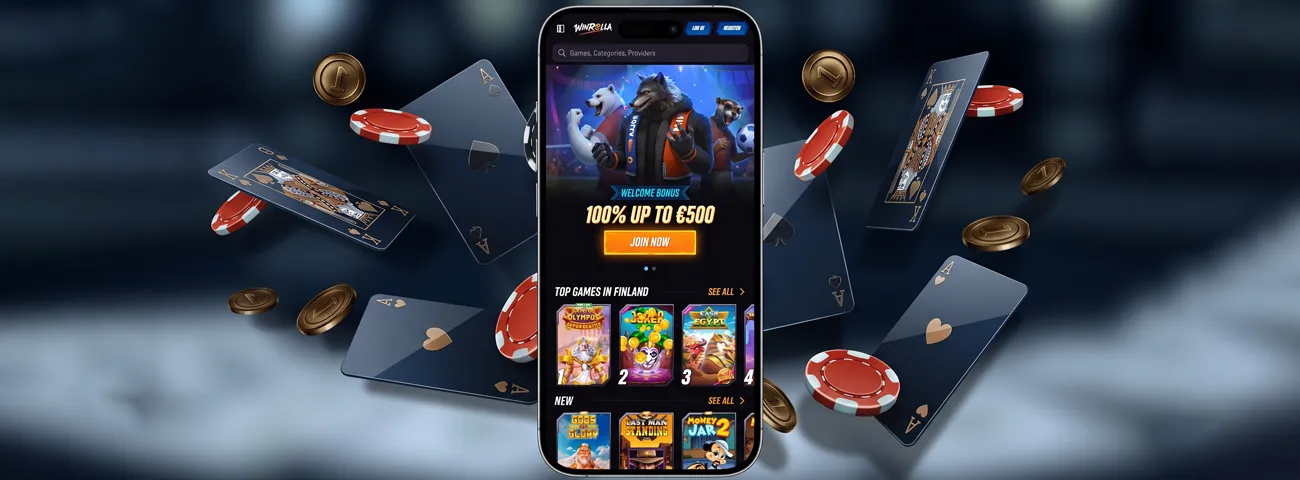
WinRolla Casino Application for Windows/macOS
Desktop players install the same PWA from the browser installed on their computer, and it opens in its own window, separate from any browser tabs. The window keeps the WinRolla casino settings synced with the Android and iOS shortcuts, so a session started on a phone continues without changes on a laptop. WinRolla treats the desktop shortcut as a full replacement for typing the address every time. We place the icon on the taskbar or dock for one-tap access.
Whichever platform it starts on, the shortcut points back to the same account. Nothing resets when switching from one device to another — balance and progress carry over automatically.
| Platform | Install Trigger | Local Behavior |
|---|---|---|
| Android | Browser install prompt | Shortcut sits in the app drawer next to installed apps |
| iOS | Safari Add to Home Screen | Unlocks with Face ID or Touch ID before the lobby loads |
| Windows/macOS | Browser install icon | Opens in its own window, separate from any browser tabs |
Reach WinRolla From Any Screen
Every version of the WinRolla app relies on the same account. Switching between a phone during a commute and a desktop at home doesn’t change the games available or the progress of ongoing challenges and tournaments. Support is reachable in the same way on every device, through live chat or email. Our team answers app questions exactly as they would on the WinRolla Casino desktop site. Win Rolla keeps this line open regardless of which shortcut a player used to log in.
FAQ
Do I need a new account for the Win Rolla app?
We use the same account created on the WinRolla Casino desktop site for app logins, and the same verification process is required for withdrawals.
How much storage does the WinRolla app use on a device?
The app runs as a lightweight shortcut rather than a downloaded package, so it uses only a small amount of storage compared with a native casino app.
What happens if I remove the WinRolla icon from my home screen?
Removing the icon only deletes the shortcut; the account is saved and reloads the next time a player opens the site.
Which browsers support the WinRolla app on desktop?
We support any modern browser with PWA capability, including the browsers built into Windows and macOS.


